Repair & Service XRD Care Club Warranty Tech Library About Blog Contact Shop Now →
Resources

XRD Tech Library

Technical resources and documentation for XRD customers

Browse by Product

Select a Product Category
XRD 70
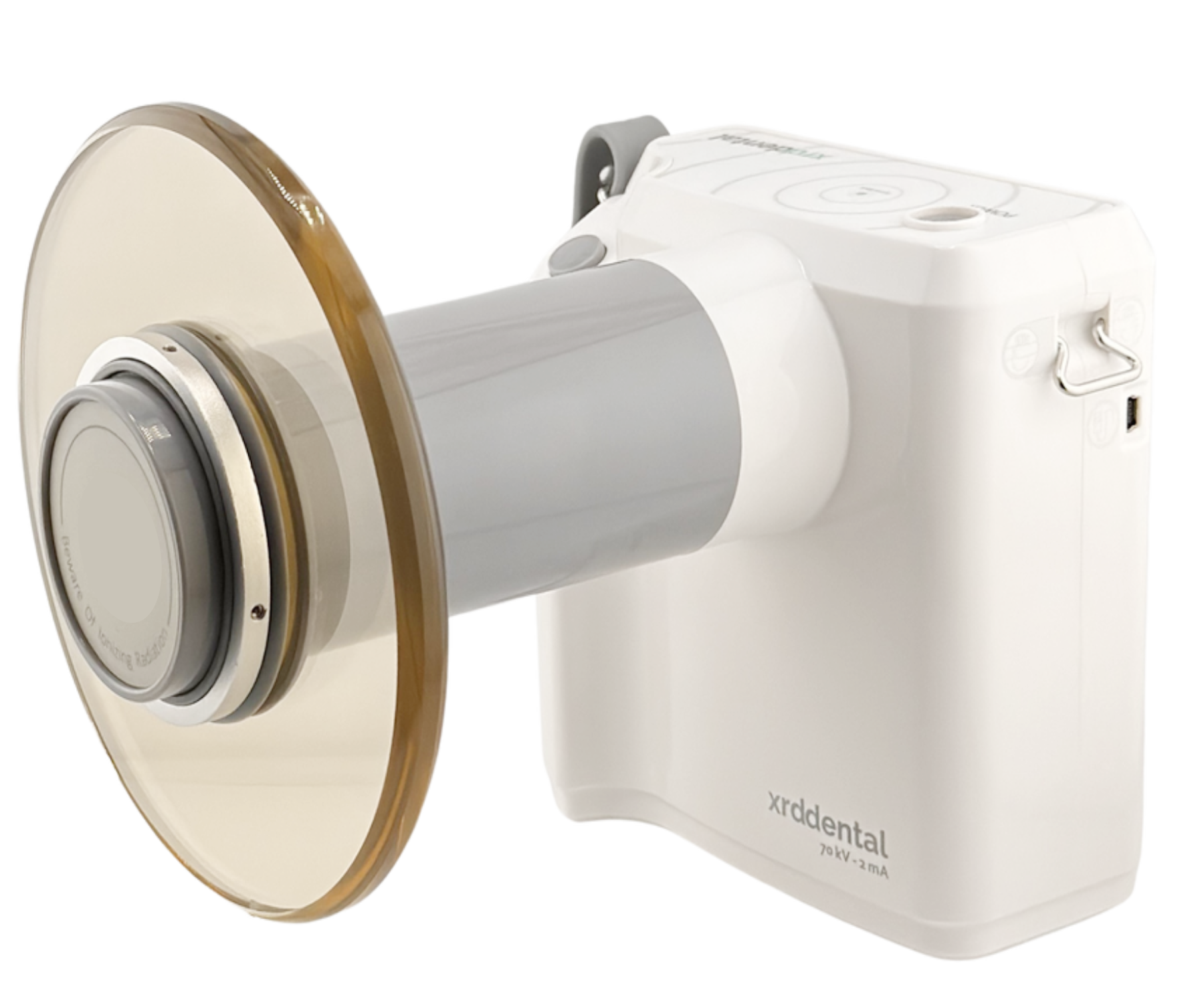
Portable X-Ray
XRD 70
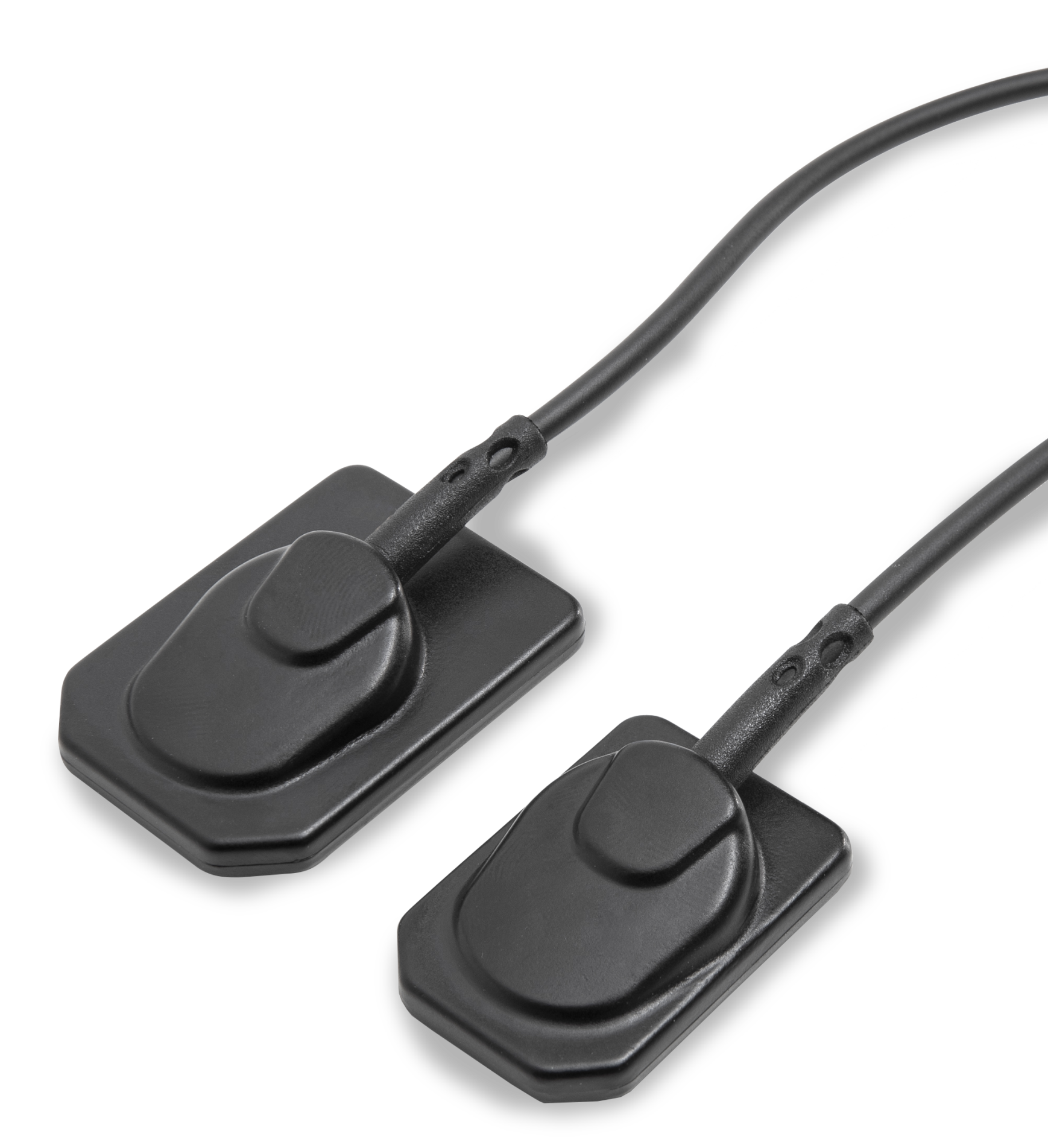
Imagen Sensor
Intraoral Sensor
Imagen Sensor
Coming soon
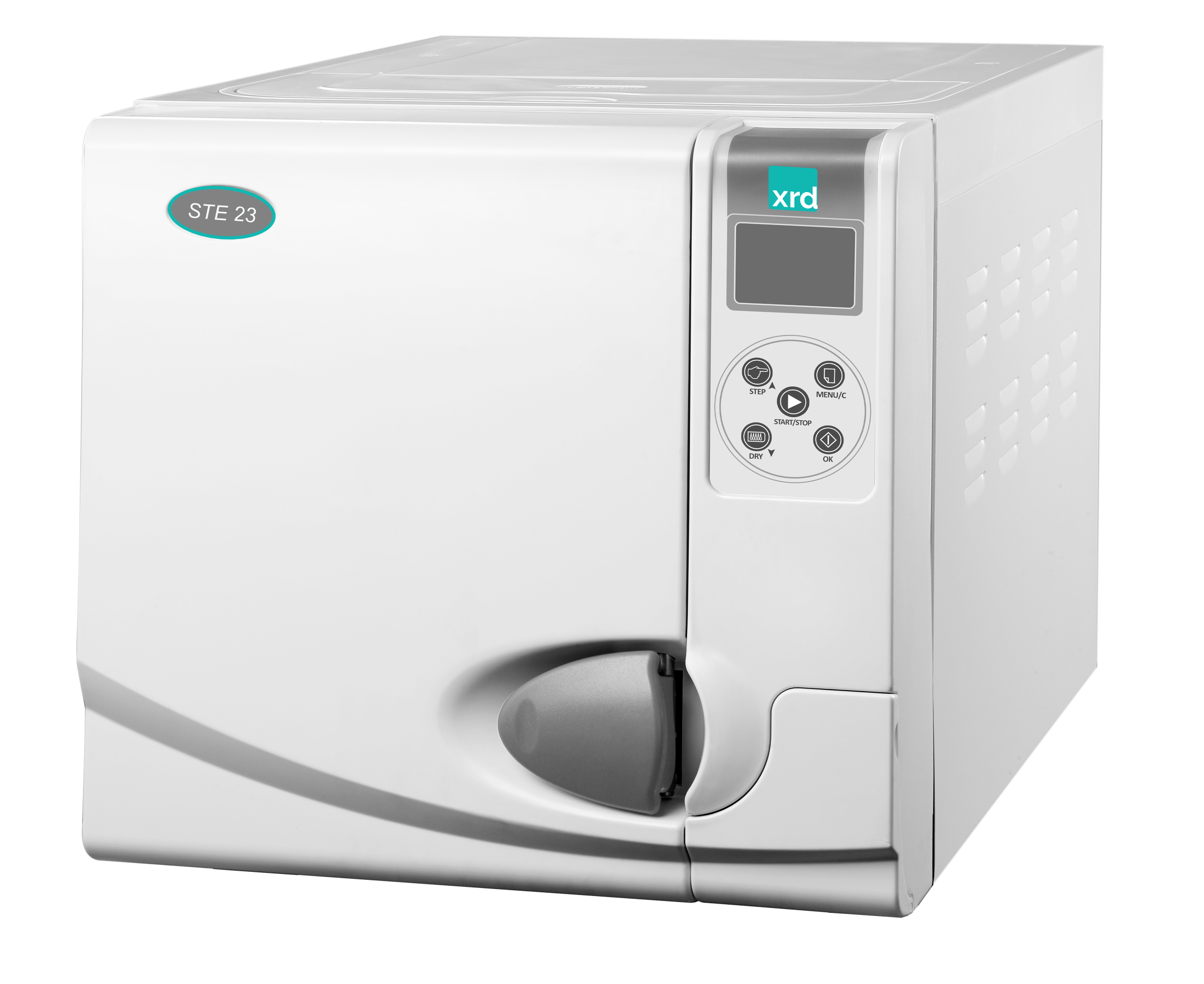
STE23 Autoclave
Steam Sterilizer
Autoclave STE23
ArchiMED Suite 5
Imaging Software
ArchiMED Suite 5
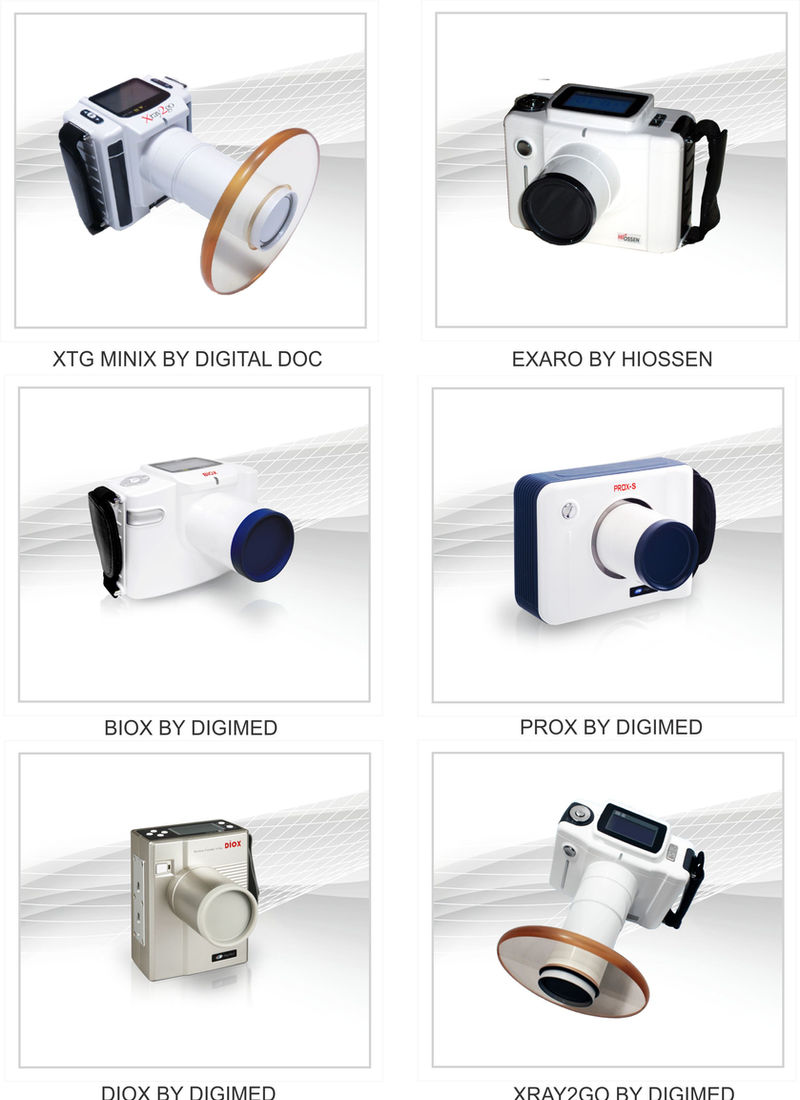
Digimed & Digital Doc
Third-Party Portables
Digimed & Digital Doc
XRD 70 · Operation Guide

What this video covers

This guide walks dental professionals through everyday operation of the XRD 70 portable handheld dental X-ray. In about a minute and a half, it shows how to power the unit on, use the four home-screen controls (Mode, Teeth, Up, and Down), select the patient mode, choose an optimized tooth-region preset, set a custom exposure time, lock and unlock the system, capture the X-ray by pressing and holding the trigger (70 kV, 2 mA, Canon tube), review the cumulative radiation dose, clear an Error E01, and verify the live kV and mA output.

Steps shown in the guide

  1. Power on — press and hold the power button for three seconds, until the display turns on.
  2. Home-screen controls — four controls run everything: Mode, Teeth, Up, and Down.
  3. Patient mode — press Mode to choose Adult or Child; the XRD 70 sets the exposure profile automatically.
  4. Tooth presets — optimized presets cover anterior, posterior, molar, and bitewing, for both adult and child.
  5. Custom exposure — use Up and Down to fine-tune the time, from 0.04 to 1.00 second.
  6. Lock / unlock — hold Mode, then press Teeth.
  7. Expose / capture the X-ray — press and hold the trigger to make the exposure (70 kV · 2 mA, Canon tube).
  8. Cumulative dose — hold Mode, then press Up to display your total.
  9. Clear Error E01 — hold Up and Down together for three seconds to return to the home screen.
  10. Live readouts — hold Teeth then Up to read kilovoltage; hold Teeth then Down to read milliamps.